Daily Quill
Journaling without the noise. A few minutes, some prompts if you want them, and nothing else competing for your attention.
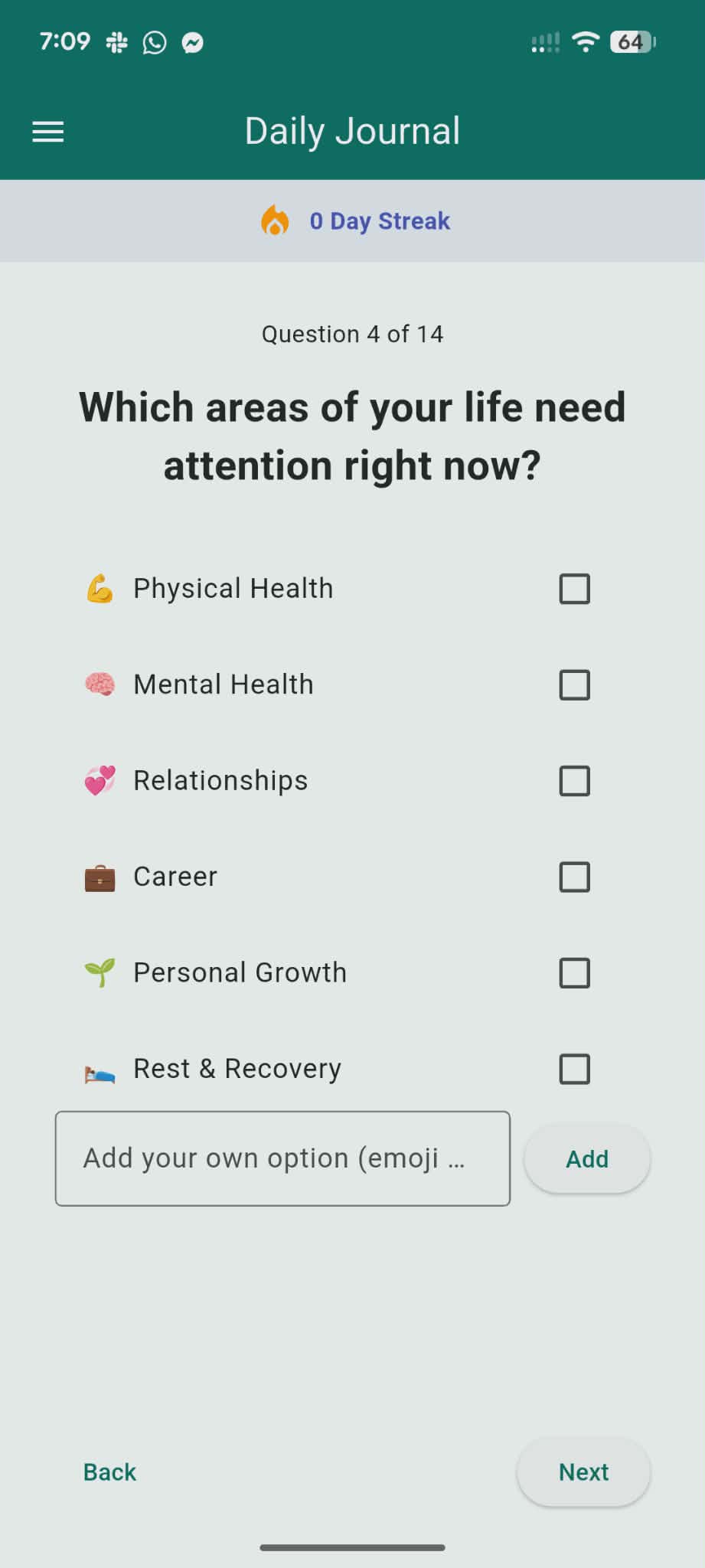
What’s in it
Built in WA for people who keep meaning to journal and then don’t, because every app they try is busy and loud.
Prompts
Optional. Useful when you sit down and your mind goes blank.
No ads
Also no social feed. We’d rather you leave after a few minutes.
Streaks
Mildly useful. Mostly so you can see whether you actually came back this week.
Private
Your writing isn’t for an audience. It’s just yours.
Phone
Android app is on Play Store.
Laptop
Same thing in the browser at app.dailyquill.com.au.
How people use it
Sign up, write something short, come back the next day. There’s a 14-day trial.
Sign up
Phone or browser. Takes a minute.
Write
Use the prompts or ignore them. Morning, night, lunch break. Whatever.
Repeat
Miss a day? Fine. The useful bit is coming back more often than not.
Questions
Quick answers about the app, trial, and privacy.
What is Daily Quill?
A journaling app for short daily reflection. You get optional prompts, private entries, and light habit tracking. No ads, no social feed, and not much else on purpose.
Is there an Android app?
Yes. It’s on Google Play. You can also use the same app in a browser at app.dailyquill.com.au if you’d rather write on a laptop.
Is there a free trial?
Yes. New accounts get 14 days free so you can try it before paying. No need to decide on day one.
Does it work on iPhone?
You can use Daily Quill on iPhone through the web app today. A native iOS app is planned, but it isn’t ready yet.
Is my journal private?
Yes. Your entries stay with your account and aren’t shared publicly. More detail is in the privacy policy if you want the fine print.
How much does it cost?
After the 14-day trial, it’s US$19.99 per year through Google Play or the website.